
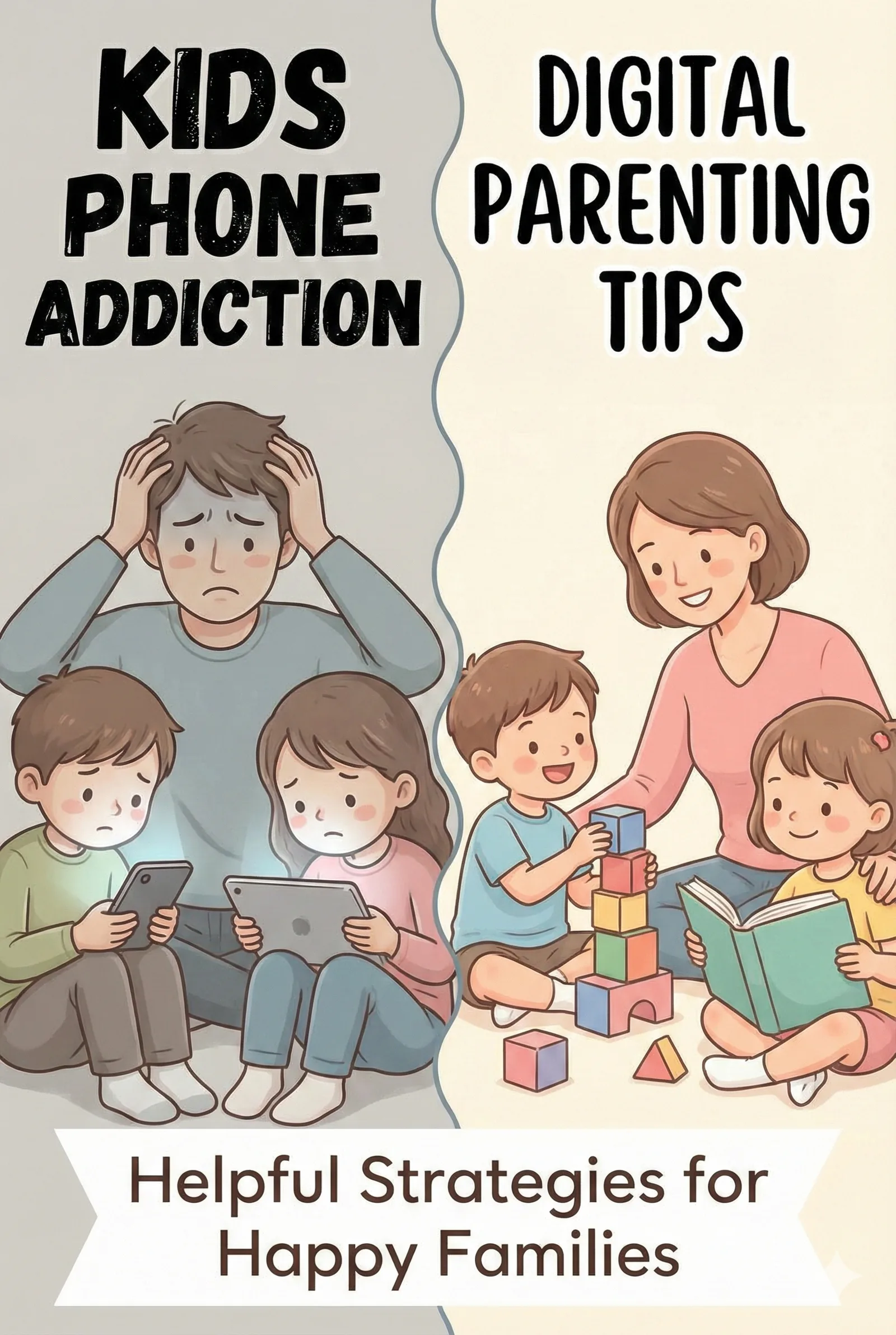
Let's be honest  screens are everywhere. From tablets and smartphones to gaming consoles and smart TVs, digital devices have become woven into the fabric of family life. And while technology offers incredible educational opportunities and entertainment, many parents are asking the same question: How much is too much?
If you've ever felt guilty about handing your child a tablet to get through dinner prep, or worried about the hours spent on YouTube or video games, you're not alone. The good news is that managing screen time doesn't have to mean constant battles or completely banning devices. It's about finding balance and creating healthy digital habits that will serve your child for life.
For families juggling stress and routines, pair this plan with our stress level quiz and practical ideas from screen-free boredom busters for kids.
Understanding the Impact of Screen Time on Children
Before diving into solutions, it helps to understand why digital wellness matters. Research has shown that excessive screen time can affect children in several ways:
Physical Health Effects
- Sleep disruption: Blue light from screens suppresses melatonin production, making it harder for kids to fall asleep and stay asleep.
- Sedentary behavior: Time spent on devices is time not spent moving, which can contribute to obesity and reduced physical fitness.
- Eye strain: Extended screen use can cause digital eye strain, headaches, and blurred vision.
- Posture problems: Hunching over devices can lead to neck, shoulder, and back issues.
Mental and Emotional Effects
- Attention challenges: Fast-paced content can make it harder for children to focus on slower-paced activities like reading or homework.
- Anxiety and mood issues: Social media use, in particular, has been linked to increased anxiety and depression in older children and teens.
- Reduced creativity: Passive consumption leaves less time for imaginative play and creative activities.
- Social skill development: Face-to-face interaction is essential for developing social and emotional intelligence.
The Positive Side of Technology
It's not all doom and gloom. When used thoughtfully, technology can:
- Provide educational content and learning opportunities
- Help children stay connected with distant family members
- Develop technical skills important for the future
- Offer creative outlets through art, music, and coding apps
- Provide entertainment and relaxation
The key is intentional, balanced use  not elimination.
Screen Time Guidelines by Age
The American Academy of Pediatrics (AAP) and Canadian Paediatric Society offer these research-based recommendations:
Under 18 Months
Avoid screen time except for video chatting with family. Babies learn best through face-to-face interaction with caregivers.
18 to 24 Months
If you introduce screens, choose high-quality programming and watch together. Co-viewing helps children understand what they're seeing.
Ages 2 to 5
Limit screen time to one hour per day of high-quality content. Continue watching with your child and help them apply what they learn to the real world.
Ages 6 and Older
Place consistent limits that ensure screen time doesn't replace sleep (10-12 hours for school-age children), physical activity (at least 60 minutes daily), homework, and face-to-face social interaction.
Important note: These are guidelines, not rigid rules. Every family is different, and what matters most is that screens aren't displacing essential activities for healthy development.
10 Practical Strategies for Healthy Screen Time
1. Create a Family Media Plan
Sit down as a family and create clear guidelines together. When children are involved in making rules, they're more likely to follow them. Your plan might include:
- Daily or weekly screen time limits
- Screen-free times (meals, before bed, first hour after school)
- Screen-free zones (bedrooms, dining table)
- Types of content allowed
- Consequences for breaking rules
2. Lead by Example
Children model what they see. If you're constantly on your phone, your words about limiting screen time won't carry much weight. Try these approaches:
- Put your phone away during family time
- Don't scroll at the dinner table
- Let your kids see you reading books, exercising, and pursuing hobbies
- Announce when you're putting your phone down: "I'm going to leave my phone in the other room so we can focus on our game."
3. Make Screen Time Intentional, Not Default
There's a difference between choosing to watch a movie together and mindlessly scrolling through videos. Help your child be intentional about their screen use:
- Ask "What do you want to watch/play and why?" before handing over a device
- Set a timer so there's a clear end point
- Encourage them to have a plan rather than just browsing
- When the show or game is done, the device goes away
4. Prioritize Quality Over Quantity
Not all screen time is equal. An hour of playing an educational coding game is different from an hour of watching random YouTube videos. Look for content that:
- Is age-appropriate
- Encourages interaction rather than passive viewing
- Teaches skills or sparks creativity
- Doesn't contain excessive violence or inappropriate themes
- Has slow enough pacing for comprehension
5. Co-View and Co-Play When Possible
Watching shows or playing games together transforms screen time into bonding time. It also allows you to:
- Discuss what you're seeing and answer questions
- Help children understand complex themes
- Extend learning into offline activities
- Know what content your child is consuming
6. Create Tech-Free Routines
Establish times when devices are simply not an option:
- First thing in the morning: Start the day with breakfast and conversation, not screens.
- Mealtimes: Keep devices away from the table to encourage family connection.
- Before bed: Turn off screens at least one hour before sleep to protect sleep quality.
- Homework time: Devices used for homework only, with entertainment apps blocked.
7. Keep Devices Out of Bedrooms
This single change can make a huge difference in your child's sleep and your ability to monitor screen use. Create a family charging station in a common area where all devices "sleep" overnight.
8. Offer Irresistible Alternatives
Children reach for screens when they're bored. Stock your home with appealing alternatives:
- Art supplies and craft projects
- Building toys like LEGO or blocks
- Board games and puzzles
- Sports equipment for outdoor play
- Books (audiobooks count too!)
- Musical instruments
When your child says "I'm bored," have a list of screen-free options ready, or better yet, join them in an activity.
9. Use Parental Controls Wisely
Technology can help manage technology. Most devices and streaming services offer parental controls:
- Set time limits that automatically lock devices
- Filter inappropriate content
- Monitor app usage and downloads
- Block in-app purchases
- Schedule "downtime" when only selected apps work
Remember, parental controls are tools to support boundaries  not replacements for ongoing conversations about digital wellness.
10. Teach Digital Citizenship
As your child gets older, they need to learn how to navigate the digital world responsibly. Teach them about:
- Protecting personal information
- Being kind online (and recognizing cyberbullying)
- Thinking critically about what they see
- Understanding that not everything online is true
- Knowing when and how to ask for help
Handling Screen Time Battles
Even with the best strategies, there will be pushback. Here's how to handle common challenges:
"Just Five More Minutes!"
Give a warning before screen time ends: "You have 10 minutes left, then it's time to stop." Use a visual timer if helpful. Stick to the boundary firmly but kindly.
Meltdowns When Devices Are Taken Away
Strong reactions often indicate overstimulation. Stay calm, acknowledge their feelings ("I know you're upset"), but hold the boundary. Over time, consistent limits reduce these reactions.
"But Everyone Else Gets Unlimited Screen Time!"
Explain that every family has different rules and that your rules are based on what's best for them. You might say: "In our family, we believe in balance. I love you too much to let screens take over."
They Need Screens for School
Distinguish between educational screen time and entertainment. Use separate profiles or "focus modes" on devices. When homework is done on a device, turn off notifications and lock entertainment apps.
Creating a Sustainable Digital Balance
Digital wellness isn't about perfection  it's about progress. Some days will be harder than others. A sick day might mean more screen time. A rainy weekend might involve extra movies. That's okay.
What matters is the overall pattern. If most days include:
- Plenty of physical activity
- Face-to-face connection with family and friends
- Creative and imaginative play
- Adequate sleep
- Some screen-free downtime
Then you're on the right track, even if screen time occasionally exceeds the "ideal" amount.
The Bottom Line
Technology is here to stay, and your child will grow up in a digital world. Your job isn't to shield them from screens entirely  it's to teach them how to use technology in ways that enhance their lives rather than diminish them.
By setting clear boundaries, modeling healthy habits, prioritizing quality content, and maintaining open conversations about digital life, you're giving your child the skills they need to thrive both online and off.
Start with one change this week. Maybe it's screen-free dinners, a family charging station, or watching shows together instead of letting them watch alone. Small steps lead to big changes.
Your child's digital wellness journey starts now  and you're more equipped than you think.
Disclaimer: This blog post is for informational purposes only and does not constitute medical or psychological advice. If you have concerns about your child's screen use or behavior, consult with your pediatrician or a child development specialist.
Frequently Asked Questions
The American Academy of Pediatrics recommends: children under 18 months should avoid screen time except video chatting; ages 18-24 months can have limited high-quality programming with parent co-viewing; ages 2-5 should have no more than 1 hour per day of quality content; and children 6 and older should have consistent limits that ensure screen time doesn't interfere with sleep, physical activity, and other healthy behaviors. Every family is different, so focus on balance rather than strict numbers.
Signs include difficulty sleeping or changes in sleep patterns, decreased interest in offline activities, irritability when devices are taken away, declining grades or reduced attention span, less physical activity and social withdrawal, eye strain complaints or headaches, and mood changes or increased anxiety. If you notice several of these signs, it may be time to reassess your family's screen time habits. For more on supporting your child's development, check out our article on physical development in children.
Create clear, consistent rules and involve your child in setting them  when kids help make rules, they're more likely to follow them. Offer appealing alternatives like outdoor play, crafts, or family activities. Use natural transition points like meals. Lead by example with your own device use. Gradually reduce time rather than making sudden changes, and praise positive choices. For ideas on engaging activities, see our guide on turning "I'm bored" into "That was fun!"
Quality matters more than the "educational" label  many apps and shows labeled educational provide little real learning value. Interactive content where children actively participate is better than passive viewing. The best educational content is age-appropriate, encourages interaction, and ideally involves parent co-viewing to help extend learning. However, even quality educational content should be balanced with offline learning, play, and social interaction.
Experts recommend keeping screens out of children's bedrooms. Screens in bedrooms are linked to less sleep, poorer sleep quality, and difficulty monitoring content. The blue light from screens can also disrupt melatonin production and make it harder to fall asleep. Create a central family charging station where all devices stay overnight, and establish bedrooms as screen-free zones for the whole family.
Use parental controls and age-appropriate filters on all devices and apps. Keep devices in common areas where you can casually observe. Have ongoing conversations about online safety and what to do if something makes them uncomfortable. Teach them never to share personal information online. Monitor their online activity while respecting age-appropriate privacy, and know what apps and games they're using. Most importantly, keep communication open so your child feels comfortable coming to you with concerns.